
If EBMS can’t find and open the data base, it may need to be restarted.
The files and the program are stored on App01.
- Remote Desktop in to App01
- Double-click on EBMS Company Administrator: (If it takes a bit to load, this is definitely the problem.)
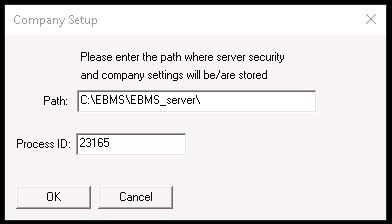
- On Company Setup say OK
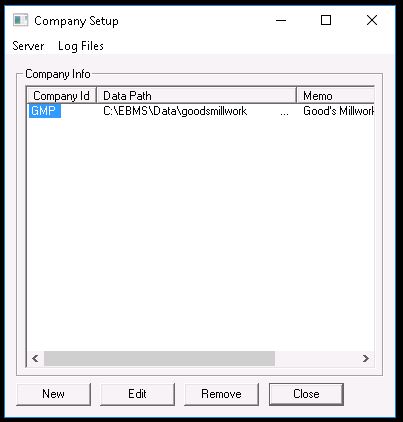
- On next screen: Server>Stop; Log Files>Remove>Yes; Server>Start
Notes:
Doug contacted Frantz Schaffer at EBMS and he instructed to start the manager service first before starting the codebase service. He informed me that this procedure may be required after app01 is restarted, so keep this in mind any time that APP01 is restarted.
App01 is on Base02; Base02 is back up.
 Good's Millwork SOPs