
1. Open the Invoice to be Copied In EBMS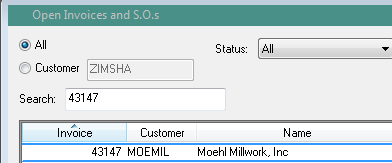
2. Under File Tab Click On ‘Copy Invoice’
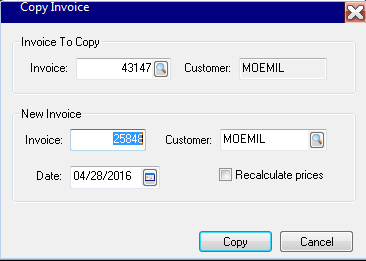
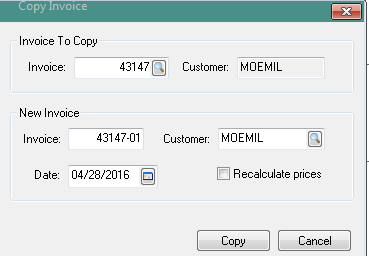
3. Type In Invoice # 43147 and add -01
4. Press Copy and New Invoice with 43147-01 will appear On Screen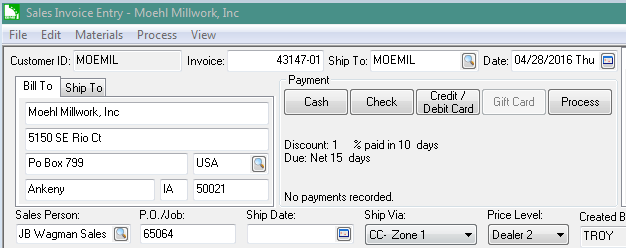
5. Delete All Lines that have shipped on original order only leaving the line item that needs to ship at a later date.
6. Add In New Ship Date
7. Send Alert To Sales Office so they can generate a new confirmation with new ship date of back ordered product
8. Repeat these steps if necessary, we sometimes end up with -02’s and -03’s
 Good's Millwork SOPs